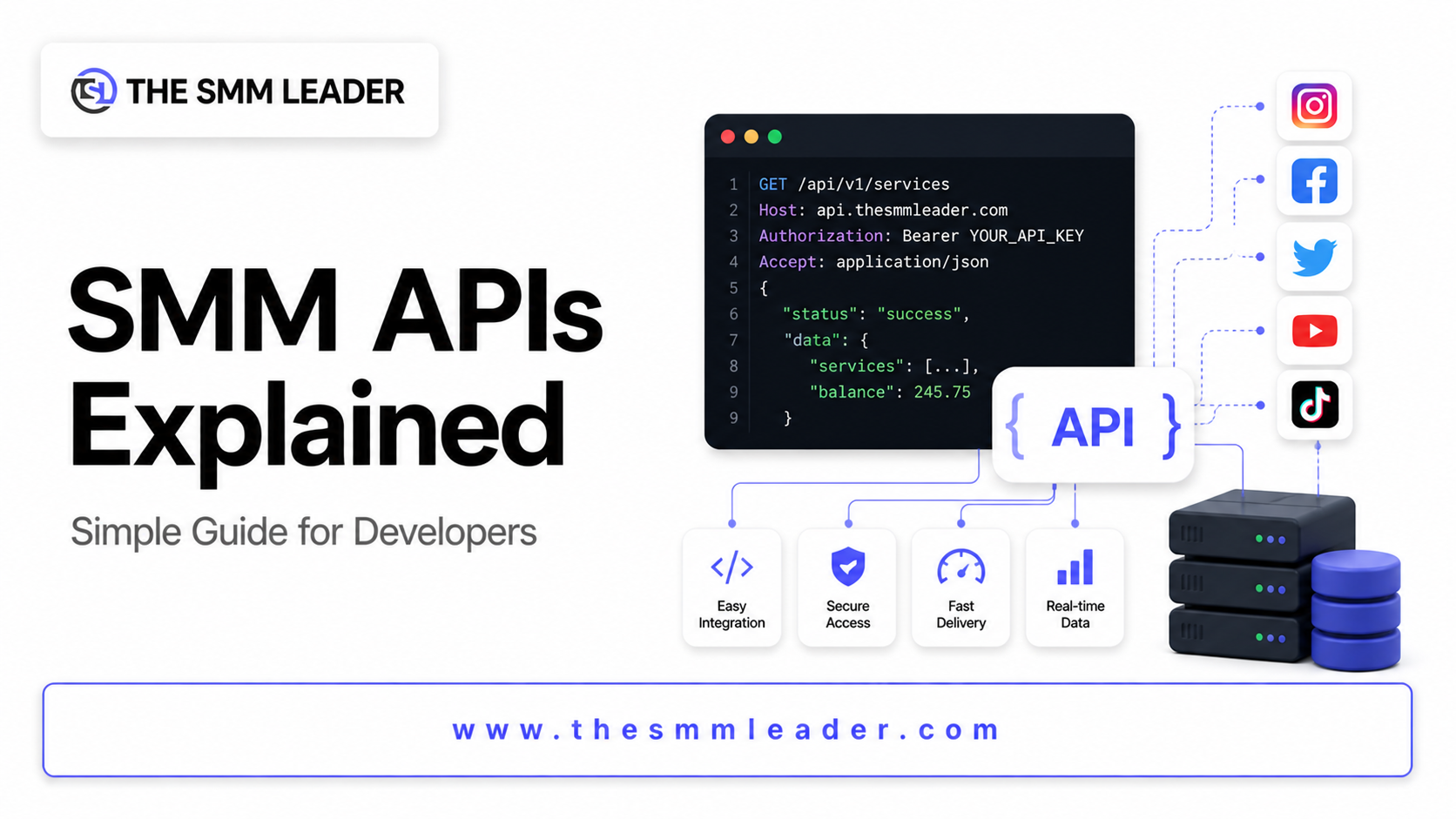
SMM APIs Explained: A Simple Guide for Developers
If you’re building tools or automations around social media growth, you’ve likely come across the term SMM API. It might sound complex at first, but the idea is straightforward once you break it down.
This guide explains SMM APIs in a simple, developer-friendly way so you can understand how they work and how to use them.
🔌 What Is an SMM API?
An SMM API (Social Media Marketing API) is a bridge that allows your application or website to communicate directly with an SMM panel.
Instead of placing orders manually through a dashboard, you can automate everything using code.
👉 In simple terms:
SMM Panel = Interface for humans
SMM API = Interface for developers
⚙️ How SMM APIs Work
At a basic level, SMM APIs use HTTP requests to send and receive data.
Here’s the typical flow:
- You send a request to the API (e.g., create an order)
- The API processes your request
- The panel executes the service (likes, followers, views, etc.)
- You receive a response with order details
Most APIs use formats like JSON for communication.
🧩 Common API Functions
SMM APIs usually provide a few core endpoints:
📦 1. Add Order
Used to place a new order.
Example use case:
Send followers to an Instagram profile or views to a YouTube video.
📊 2. Order Status
Check whether an order is:
- Pending
- Processing
- Completed
💰 3. Balance Check
Returns your current account balance.
📋 4. Service List
Fetches all available services with IDs, prices, and descriptions.
🧠 Basic Example (Concept)
Here’s a simplified request example:
POST /api/v2
Parameters:
key: Your API keyaction: addservice: service IDlink: target URLquantity: amount
Response:
{

  "order": 123456

}
This means your order has been successfully created.
🚀 Why Developers Use SMM APIs
SMM APIs are popular among developers and resellers because they allow:
⚡ Automation
No need to manually place orders. Everything runs programmatically.
🧩 Integration
You can connect SMM services with your own website, app, or SaaS platform.
📈 Scalability
Handle thousands of orders efficiently without extra effort.
🔐 Important Things to Consider
Before using an SMM API, keep these points in mind:
- API Key Security: Never expose your API key publicly
- Error Handling: Always handle failed or invalid requests
- Rate Limits: Avoid sending too many requests at once
- Service Quality: Choose a reliable provider
⚠️ Common Mistakes
Many beginners run into these issues:
- Sending incorrect parameters
- Using wrong service IDs
- Not checking order status
- Ignoring API documentation
Taking time to understand the API structure will save you a lot of trouble.
🔥 Final Thoughts
SMM APIs make it easy to automate and scale social media marketing services. Whether you’re building a reseller panel or integrating services into your app, they offer flexibility and efficiency.
Start simple, test your requests, and gradually build more advanced features.
 Admin
Admin